Initial Examination
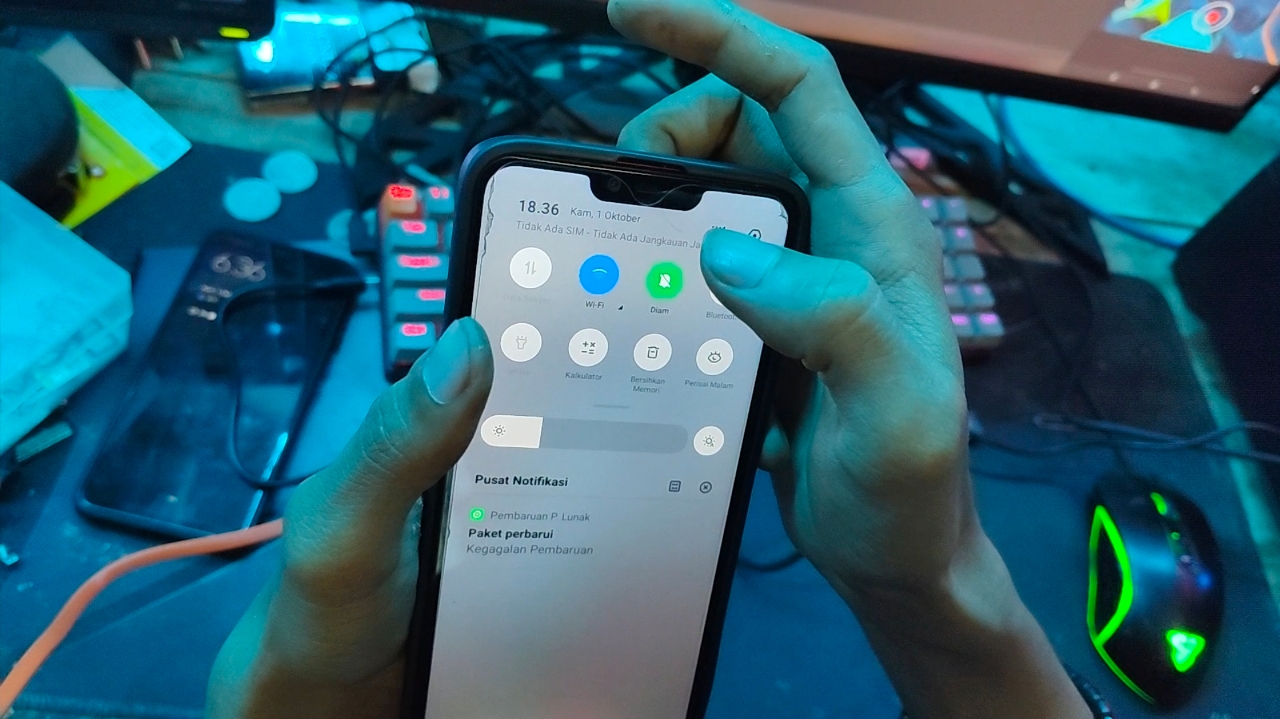
Before starting the repair, check whether the mobile data button is usable.
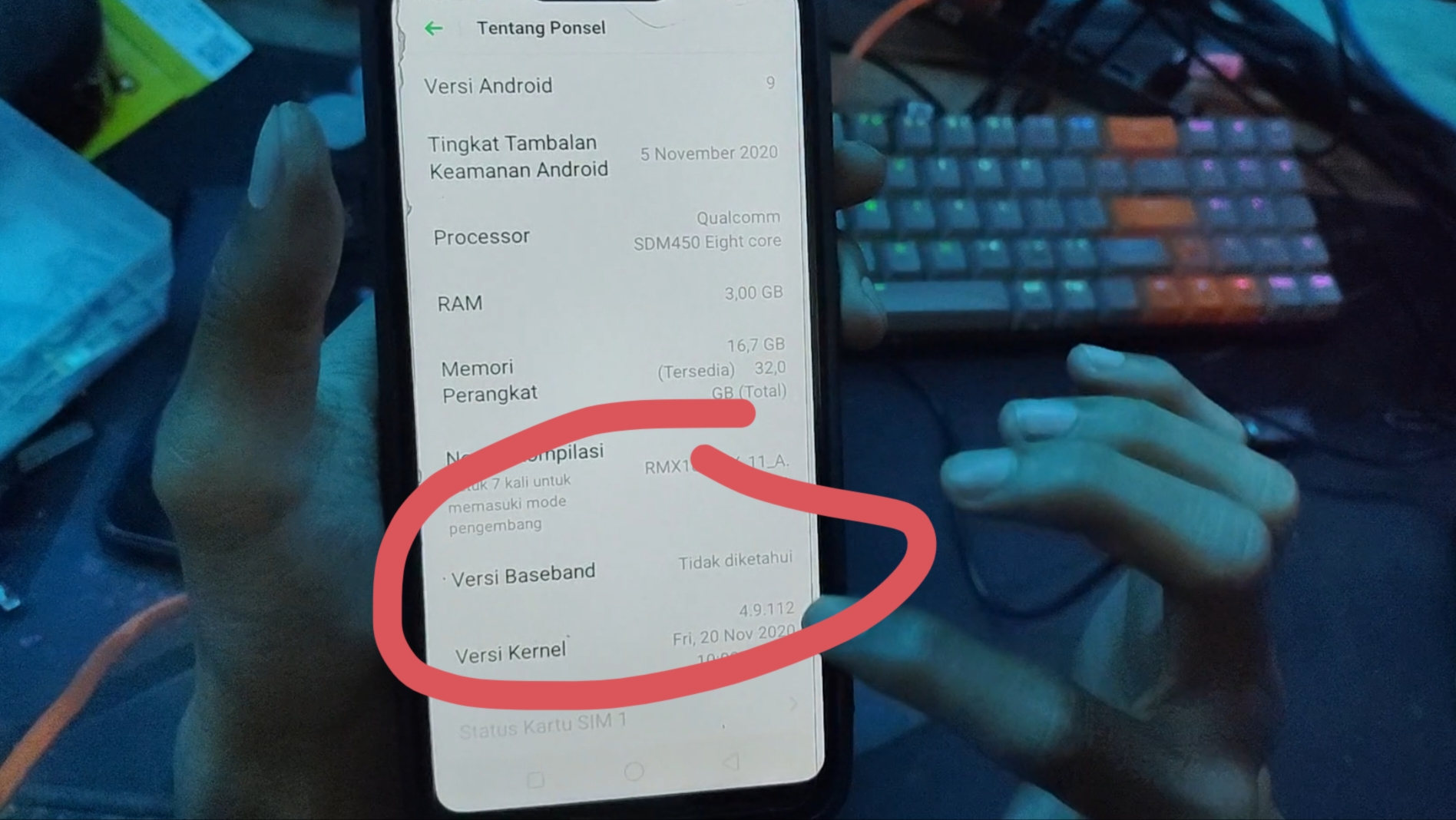
Also check Wi-Fi. If Wi-Fi turns off again after enabling it, check the Baseband Version. If it says "Not found", proceed to the following repair steps.
Repair Software
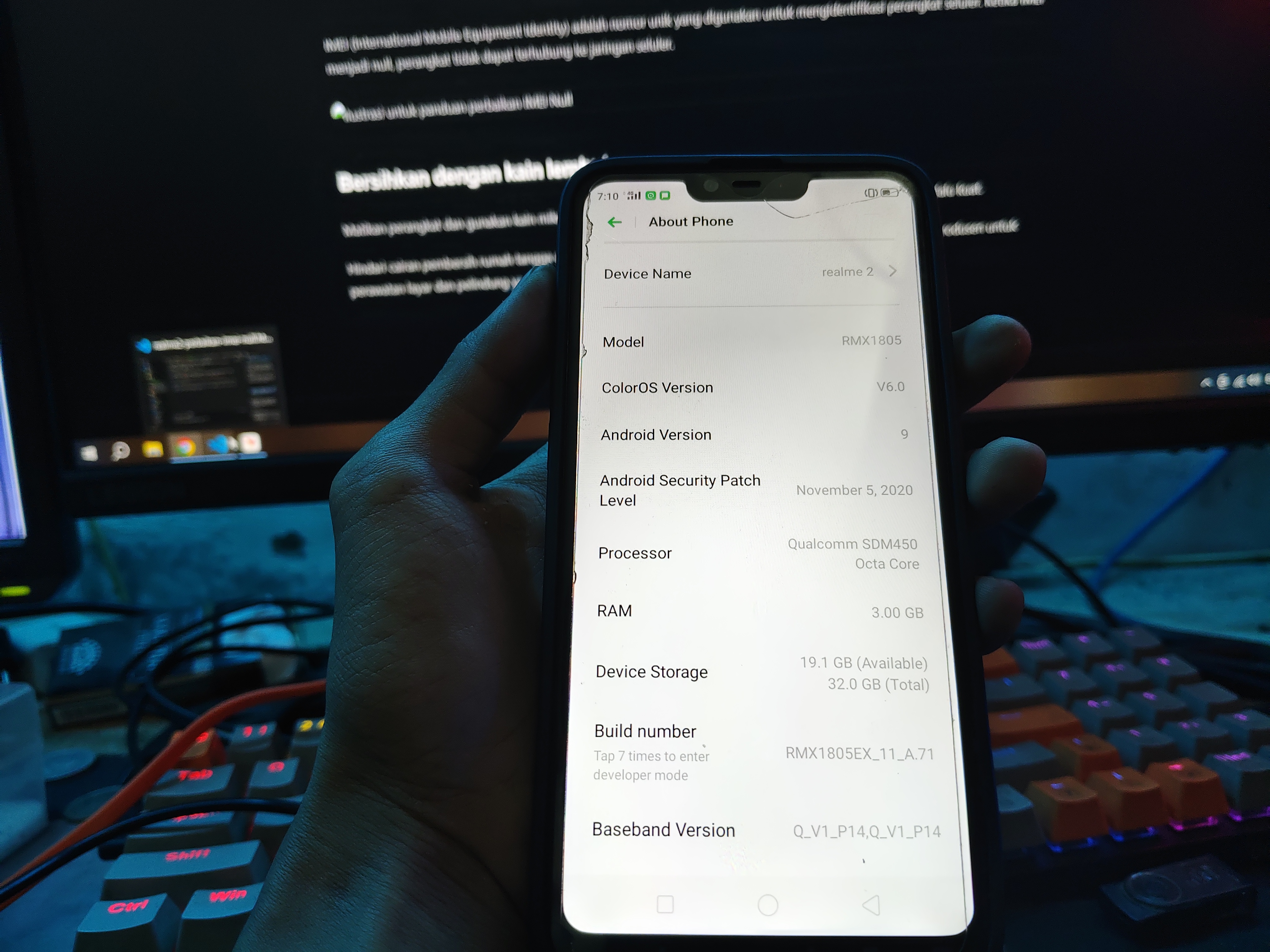
This problem can usually be fixed by updating the Realme 2 OTA firmware. Before downloading, match the compile version number in the phone settings. The version used in this guide is RMX1805EX_11.A71.
Open Settings > About phone, then search Compilation version number (Build number).
Download the firmware via the button below or search Realme 2 OTA firmware in the browser. Save the file on your computer or SD card.
- Devices: realme 2 (RMX1805EX)
- Codename:
RMX1805EX - Regions: Vietnamese
- System: ColorOS 6.0
- Version:
RMX1805EX_11.A71 - Size: 2.08GB
- Release Date: 25/11/2020
- Package Name:
RMX1805EX_11_OTA_0710_all_i3cdf6V7tk6F.ozip - MD5:
1736EEC88C9AE35D5C211B803BE3B386
Once downloaded, copy the file to your phone's internal storage and place it outside a folder so it's easy to find. If using an SD card, copy the files to the SD card, then install the card on Realme 2.
If transfer fails: Try using another data cable because the cable you are using may have a problem. Also check the phone's charging port and the computer's USB port. Factory data reset only as a last step, after backing up important data.
Once the files are copied, turn off the phone. Press and hold the Power and Volume Down buttons at the same time. When the screen lights up, release the Power button but keep holding Volume Down until the language options appear.
Choose English > Install from storage device. If the file is in internal storage, select it From phone storage. If the file is on the SD card, select it From SD Card. Select the firmware file ending in .ozip.
installation failed: try repeating the installation process or using a suitable firmware file. If it still fails, reset factory data via phone settings after backing up important data and then reinstall the firmware.
Once the installation is complete, restart the phone and check whether all functions are working normally.
Comments