Short Summary
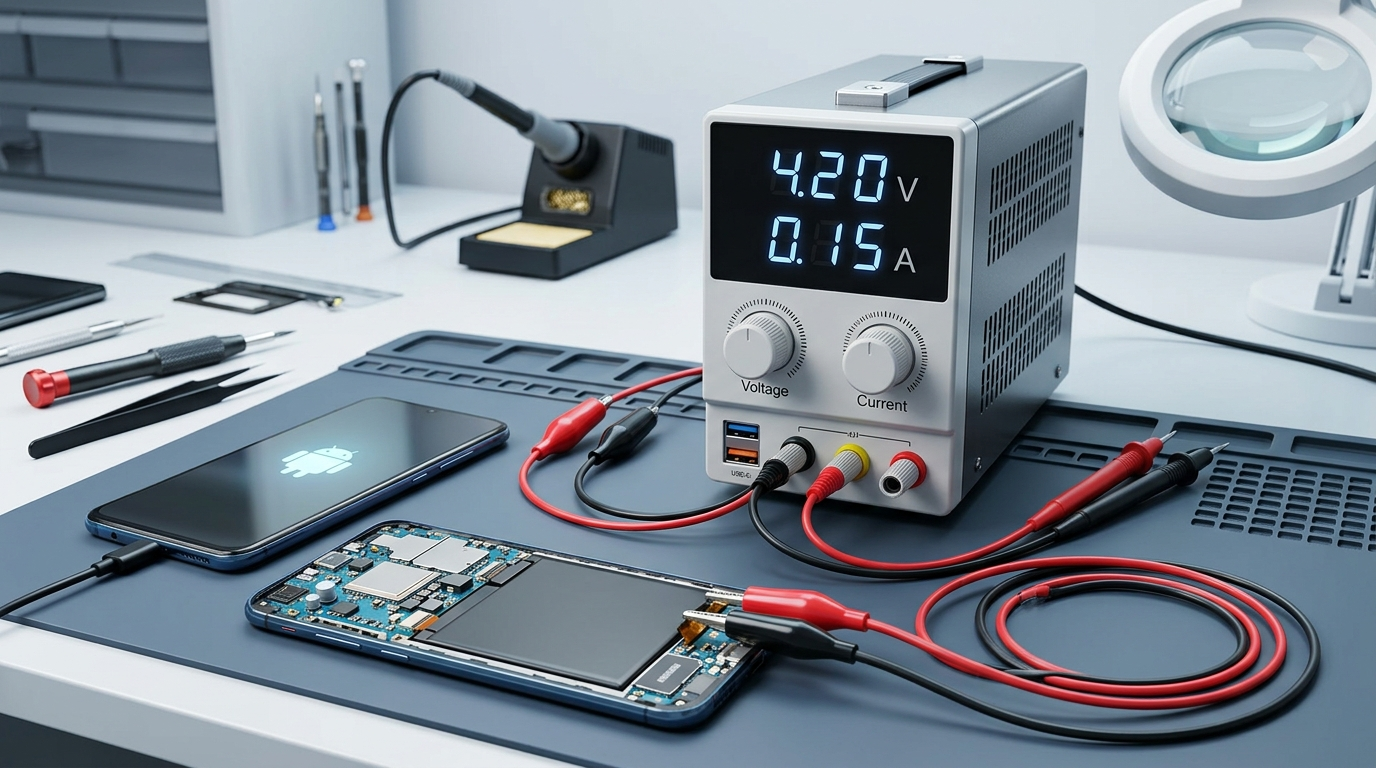
In the world of cell phone repair, cases Totally Dead HP with Symptoms of Hanging Ampere 0.1 Ampere (100mA) when the button is pressed power is one of the most frequently encountered basic problems.
This document describes the main inter-component workflow (IC Power, CPU, and EMMC/UFS) as well as a step-by-step guide to determine which component is damaged using help Power Supply (PSU) and Computer (PC).
1. Main Component Roles and Workflow
| Components | Main Role | Response When the Power Button is Pressed |
|---|---|---|
| IC Power — Example: IC power 1, IC power 2 | Process & distribute voltage from the battery to all components. | Receive trigger (triggers) and outputs secondary voltage (LDO/BUCK) to the CPU. |
| CPU (Processor) — Example: main CPU, backup CPU | Data processing brain and system instructions. | Receives power from IC Power, then reads data bootloader from EMMC. |
| EMMC/UFS — Example: main storage, internal flash | Internal storage media (System OS, Bootloader, & Data). | Provides an operating system so that the cellphone can boot until it enters home screen. |
2. Analysis of the "Hanging Ampere 0.1A" Symptom
When the cellphone is connected to a Power Supply (voltage ≈ 3.8V - 4.2V) and the On/Off button is pressed:
- Ampere Measurement: The current needle/number rises to the number 0.08A - 0.1A, then silent (hanging) and does not fluctuate up and down.
- Meaning of Symptoms: IC Power already working gives the initial power, but the process boot stopped because the CPU failed to read or complete the communication process with the EMMC.
3. Systematic Diagnosis Steps (Power Supply & PC)
Step 1: IC Power (Power Supply) Voltage Testing
- Connect the motherboard to the Power Supply.
- Pressed the Power button.
- Results Analysis:
- If current 0A (complete silence) → The power button is damaged, the trigger line is broken, or the Power IC is completely dead.
- If current goes up to 0.1A then stays still → Power IC works (results in LDO output voltage), the problem continues to the CPU / EMMC.
Step 2: Testing CPU Detection on the Computer (Port Check)
- Connect the cellphone to the PC using a USB data cable (without/by pressing the boot button if necessary).
- Open Device Manager in Windows and check the column Ports (COM & LPT).
- Results Analysis:
- Port Detected (eg: Qualcomm HS-USB QDLoader 9008 or MediaTek USB Port):
- Conclusion: IC Power and CPU in normal/working condition. The CPU is waiting to send an instruction because it failed to read the EMMC.
- Main Causes: EMMC is corrupt, the EMMC lead is cracked/loose, or the EMMC IC is damaged (dead).
- Not Detected at All on PC:
- Conclusion: The damage is in the USB line, the Power IC has not provided voltage to the CPU, or the CPU itself is problematic/damaged.
- Port Detected (eg: Qualcomm HS-USB QDLoader 9008 or MediaTek USB Port):
4. Diagnosis Flow Scheme (Flowchart)
Totally Dead HP Plugged into PSU
Press the Power Button
Current 0A
Check IC Power / On-Off Line
Current Rise 0.1A (Hanging)
Connect the cellphone to the PC via USB
Port detected on PC
EMMC Corrupt / Damaged EMMC IC
No Port Detected on PC
Check USB / CPU / IC Power Line
5. Solutions and Corrective Steps
- EMMC Corrupt Case (Software):
- Do it flashing reset the official firmware using a special tool (flashtool / box repair).
- Case of Cracked IC Feet / Cold Solder Joint (Hardware):
- Do it reflow (reheating) with blower on the EMMC / CPU IC.
- If it doesn't work, do it reballing (reprint of EMMC IC lead leg).
- Dead Damaged IC Case:
- Replace new EMMC/UFS IC (do reprogram CID & dump files).
- If necessary, replace a set of Power / CPU / EMMC ICs (replace engine/board).
Important Notes for Beginning Technicians
- Always make sure the Power Supply voltage is within the safe battery range (3.8V - 4.2V).
- Do not immediately remove/install the IC before carrying out a port detection test on the PC.
- Use quality flux when heating or reprinting ICs to prevent components overheating.
Comments